Bulk Email Sender Bot
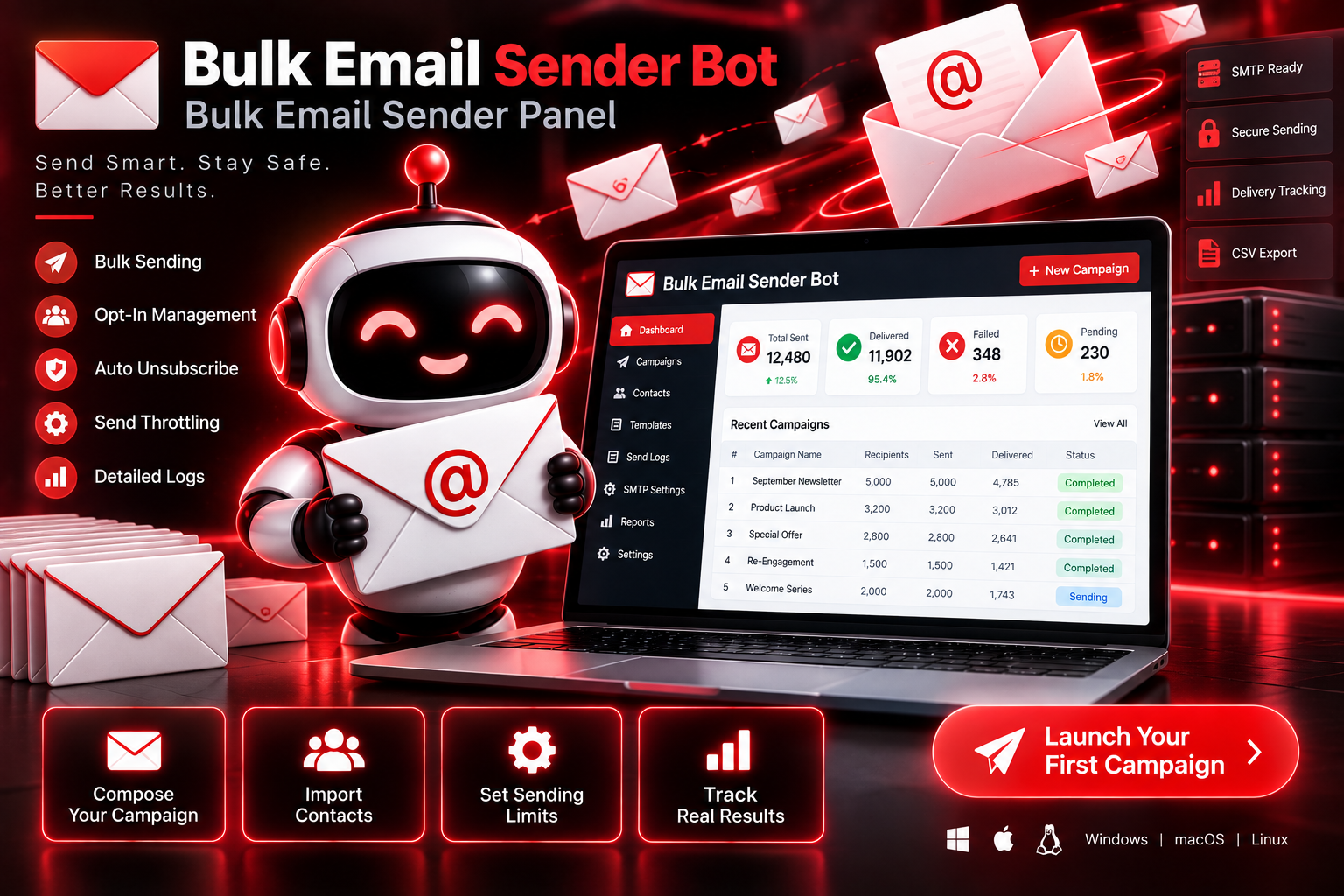
Details
Python 3.9+ (installs automatically during setup)
Your own SMTP account or business email provider credentials
Stable internet connection
4GB RAM minimum
What’s included
Opt-In Contact Management
Keeps every contact's subscription status on record and only sends to those marked opted-in.
Automatic Unsubscribe Links
Adds a working unsubscribe link to every email without any manual setup.
Randomized Send Throttling
Spaces out each send with a randomized delay to avoid patterns that trigger spam filters.
Daily Sending Cap
Limits how many emails go out per day to stay within safe sending volume.
Message Personalization
Inserts each contact's name into the subject and body so messages don't read as identical blasts.
Full Send Logging
Records every send attempt — delivered, failed, or skipped — for a complete audit trail.
How it works
Connect Your Email Account
Enter your SMTP or business email credentials to connect your sending account.
Add or Import emails
Add contacts individually or import a CSV list, each marked with opt-in status.
Write Your Campaign
Compose a subject line and message, using placeholders for personalization.
Review and Send
Save the campaign as a draft, then confirm sending when you're ready.
Track the Results
Watch delivery progress and review the full send log afterward.
Use cases
Small Business Owners
Send newsletters or promotions to an opted-in customer list without risking their main inbox.
E-commerce Sellers
Notify subscribers about new arrivals or sales at a safe, steady pace.
Local Service Providers
Reach past clients with seasonal reminders or updates.
Marketing Agencies
Run compliant email campaigns for multiple clients from one self-hosted panel.