Google

Google Reviews Sentiment Classifier Bot
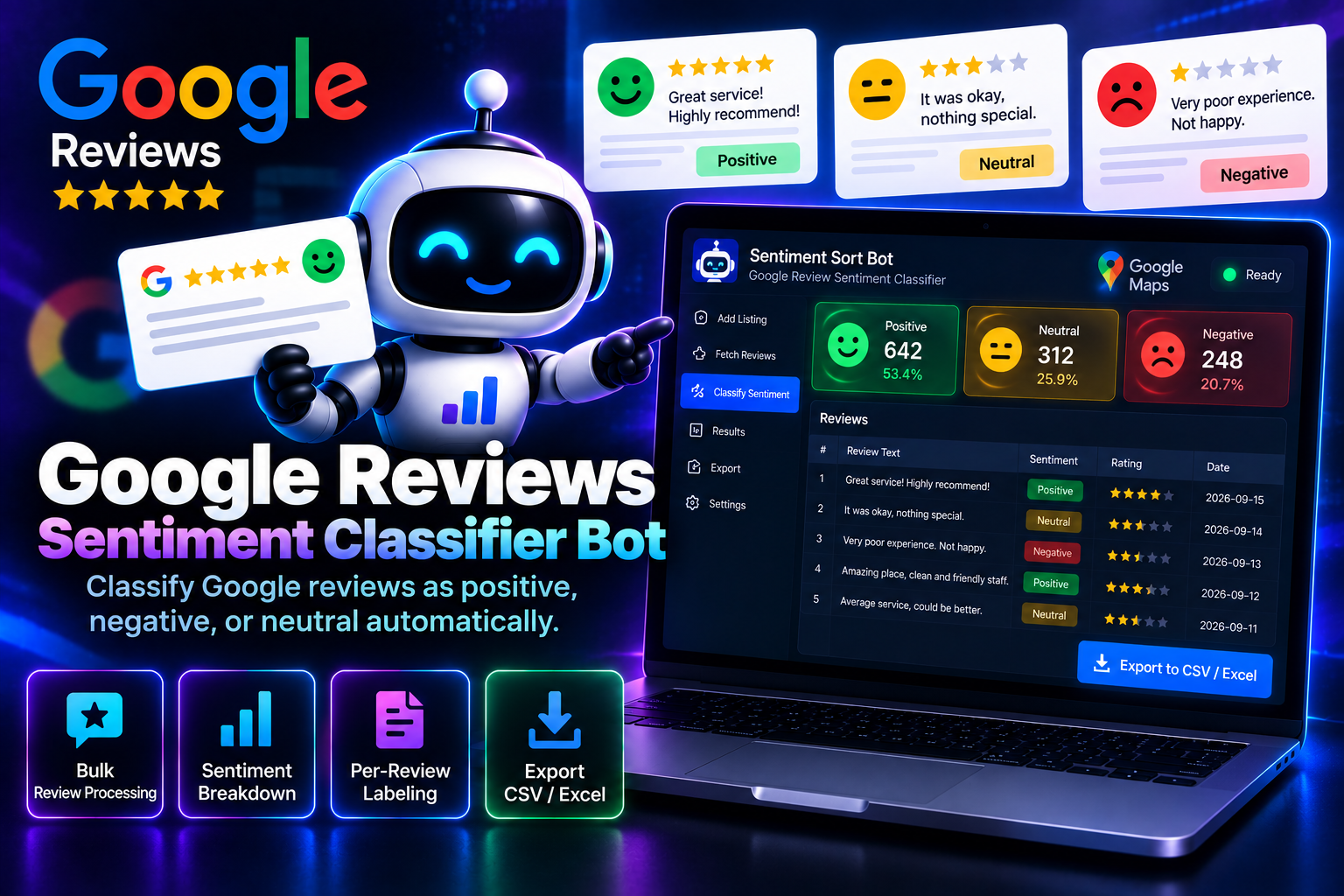
A star rating alone doesn't always tell the full story — a three-star review can read as mildly annoyed or genuinely upset depending on the wording. Sentiment Sort Bot reads through a business's Google reviews and sorts each one into positive, negative, or neutral based on the actual language used, not just the star count. The result is a straightforward breakdown of tone across every review, nothing more layered than that.
System Ready to run
Platform Windows / macOS / Linux (Python-based, Chrome required)
Version v1.0.0
Google Reviews Sentiment Classifier Bot
Product Information

Details

Price
87$
Category
Google
Platform
Windows / macOS / Linux (Python-based, Chrome required)
Version
v1.0.0
License
Single-Site Commercial License
Updates
Free updates for 6 months
Support
Email Support/Whatdsapp Support
Setup Time
Under 5 minutes
Requirements
Windows 10+, macOS 11+, or Ubuntu 20.04+
Google Chrome (latest version)
Python 3.9+ (installs automatically during setup)
Stable internet connection
4GB RAM minimum
Output Formats
CSV, Excel
Features

What’s included

01

Three-Way Sentiment Sorting

Reads each review's text and labels it as positive, negative, or neutral.

02

Language-Based Analysis

Bases classification on the actual wording used, not just the attached star rating.

03

Bulk Review Processing

Classifies an entire batch of reviews from a business listing in one run.

04

Sentiment Breakdown Summary

Shows the overall split of positive, negative, and neutral reviews at a glance.

05

Per-Review Labeling

Tags each individual review with its assigned sentiment category for easy filtering.

06

Exportable Results

Sends the classified reviews and summary to CSV or Excel.

Workflow

How it works

STEP 1

Add the Business Listing

Provide the Google Business listing you want reviews classified from.

STEP 2

Set the Review Range

Choose how many reviews to pull in for classification.

STEP 3

Run the Classification

The bot reads each review and assigns it a sentiment label.

STEP 4

View the Breakdown

See the overall sentiment split along with each labeled review.

STEP 5

Export the Results

Download the classified data as CSV or Excel.

Use Cases

Use cases

Small Business Owners

Get a quick read on overall customer sentiment beyond just the star average.

Customer Experience Teams

Identify how much of the feedback is genuinely negative versus simply neutral.

Marketing Analysts

Use sentiment splits as a data point in broader brand health reporting.

Agencies

Run sentiment breakdowns across multiple client listings for comparison.

FAQ

Frequently asked questions

It's based on language pattern analysis and works well for most reviews, though borderline cases may need a manual glance.
Yes, any public Google Business listing can be processed.
The bot only reads publicly visible review data. Following Google's own terms of use is the user's responsibility.
Yes, free updates are included for six months from the date of purchase.
No, it does one thing only — classifying reviews as positive, negative, or neutral.
Changelog

Version history

Version v1.0.0
2025-06-07
Full release combining all development stages — three-way sentiment sorting, bulk processing, per-review labeling, and export all included from launch.