Whatsapp

WhatsApp Marketing Bot
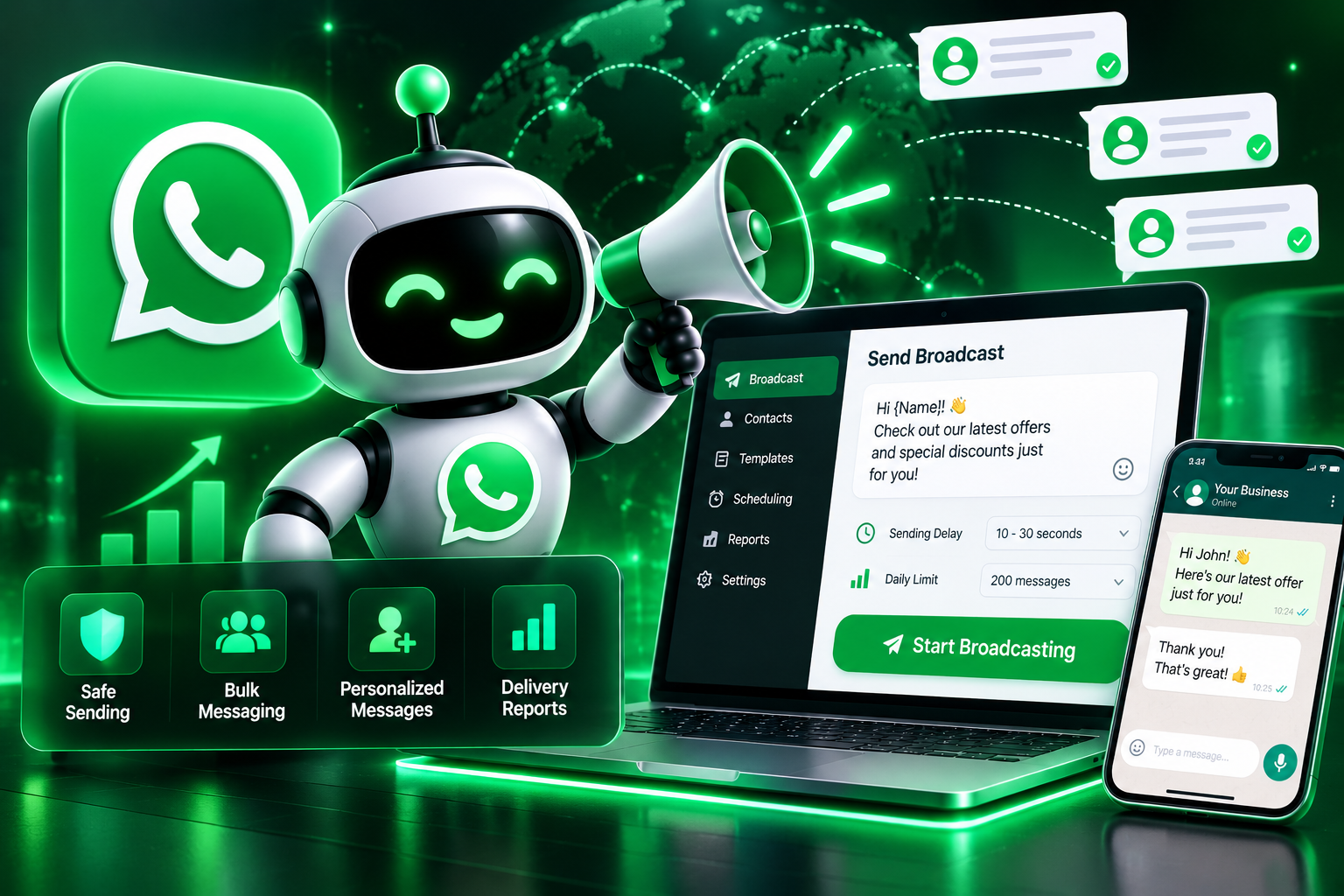
Sending bulk WhatsApp messages the wrong way is the fastest route to a banned number — too many messages too fast, to people who never opted in, is exactly the pattern WhatsApp flags. Broadcast Safe Bot is built around avoiding that outcome: it sends messages at a human-like pace, personalizes each one, respects contact opt-in status, and pauses automatically if it senses your account is approaching risky sending volume. The goal isn't just sending messages — it's still having a working number a week later.
System Ready to run
Platform Windows / macOS / Linux (Python-based, Chrome required)
Version v1.0.0
WhatsApp Marketing Bot
Product Information

Details

Price
87$
Category
Whatsapp
Platform
Windows / macOS / Linux (Python-based, Chrome required)
Version
v1.0.0
License
Single-Site Commercial License
Updates
Free updates for 6 months
Support
Email Support/Whatdsapp Support
Setup Time
Five minutes or less
Requirements
Windows 10+, macOS 11+, or Ubuntu 20.04+
WhatsApp account (standard or Business)
Python 3.9+ (installs automatically during setup)
Stable internet connection
4GB RAM minimum
Output Formats
CSV, Excel
Features

What’s included

01

Human-Like Sending Pace

Spaces out messages with randomized delays instead of firing them off all at once.

02

Message Personalization

Inserts each contact's name and custom fields so messages don't read as identical spam blasts.

03

Opt-In List Management

Keeps track of which contacts have agreed to receive messages, and skips anyone who hasn't.

04

Daily Sending Limits

Caps how many messages go out per day per number to stay within safe activity levels.

05

Auto-Pause on Risk Signals

Stops sending automatically if delivery failures or blocks spike, reducing ban risk.

06

Delivery & Response Logging

Tracks which messages were delivered, read, or replied to, exported to CSV.

Workflow

How it works

STEP 1

Import Your Contact List

Upload contacts along with their opt-in status and any personalization fields.

STEP 2

Write Your Message Template

Create a message with personalization placeholders like name or product interest.

STEP 3

Set Sending Limits

Choose your daily cap and sending pace to stay within safe activity levels.

STEP 4

Launch the Broadcast

The bot sends messages gradually, personalizing each one as it goes.

STEP 5

Review the Delivery Log

Check delivery and response data, exported to CSV for follow-up.

Use Cases

Use cases

Small Business Owners

Send promotions or updates to an opted-in customer list without risking the business number.

E-commerce Sellers

Notify customers about order updates or new arrivals at a safe, steady pace.

Local Service Providers

Reach out to past clients with appointment reminders or seasonal offers.

Marketing Agencies

Run WhatsApp campaigns for clients while keeping their numbers in good standing.

FAQ

Frequently asked questions

No tool can guarantee that, since WhatsApp's enforcement depends on many factors. This bot is built to minimize risk by following safe sending practices.
Yes, the opt-in management feature is built around only messaging contacts who've agreed to receive messages — this is both safer and required by WhatsApp's own policies.
The bot suggests conservative daily limits by default, which you can adjust, though staying cautious is always safer than pushing volume.
It supports both, depending on your setup and account type.
The bot pauses the broadcast automatically to avoid compounding any risk to your account.
Changelog

Version history

Version v1.0.0
2024-06-13
Full release combining all development stages — human-like sending pace, personalization, opt-in management, daily limits, auto-pause on risk signals, and delivery logging all included from launch.