X Data Scraper Bot
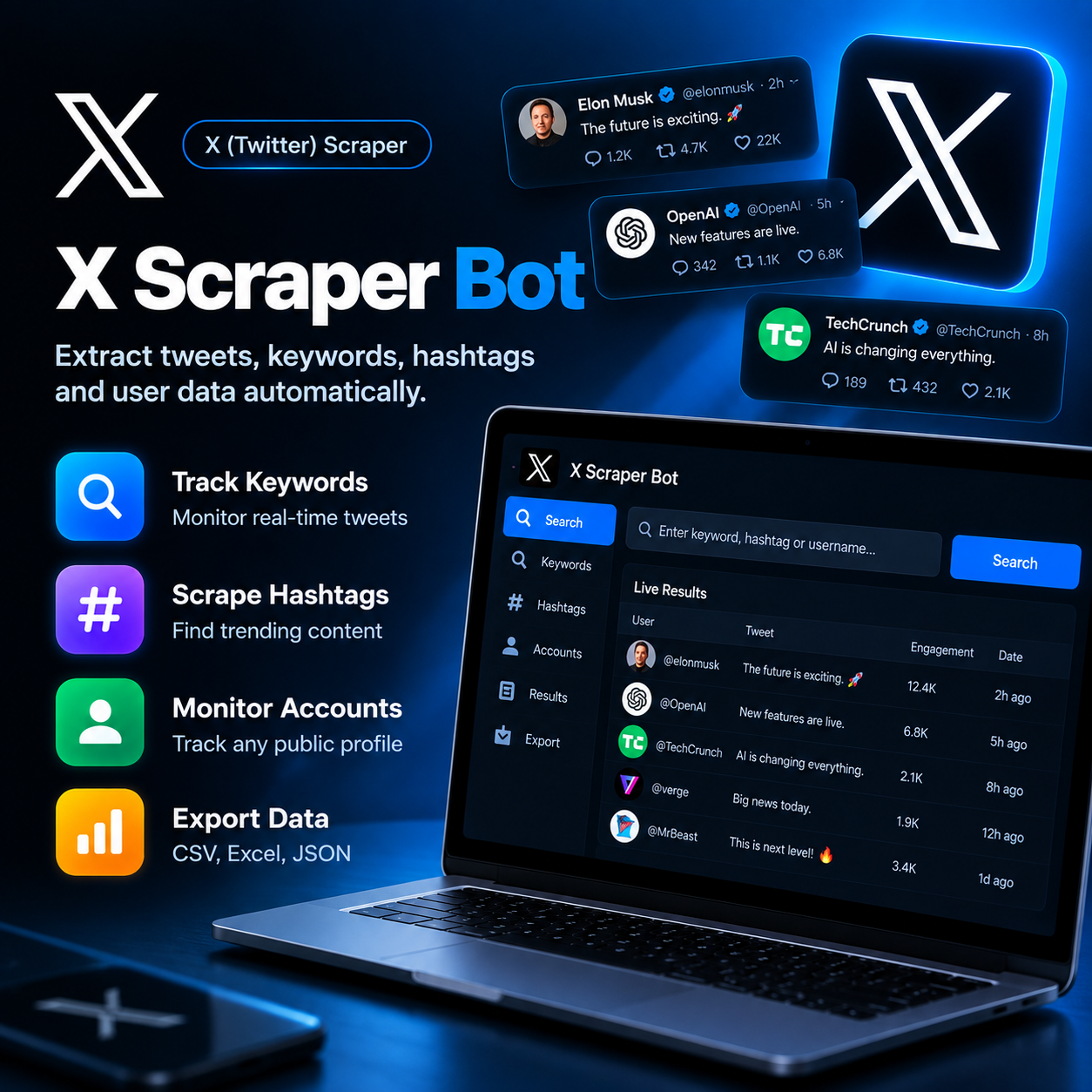
Details
Chrome browser installed
Python 3.9 or higher (installs automatically during setup)
Steady internet connection
Minimum 4GB RAM
What’s included
Keyword Watchlists
Add unlimited keywords or phrases and get every matching public tweet as it's posted.
Hashtag Research
Pull recent and top tweets under any hashtag to gauge what's trending in your niche.
Account Tracking
Follow specific public accounts and log their tweet activity without opening X manually.
Engagement Snapshot
Capture likes, retweets, and reply counts alongside each collected tweet.
Sentiment-Ready Data
Structured output makes it easy to run your own sentiment or trend analysis afterward
Flexible Export Options
Send results straight to CSV, Excel, or JSON depending on how your team works.
How it works
Define What to Track
Add your keywords, hashtags, or the public accounts you want watched.
Set the Rules
Choose how often to check for updates and how many results to keep per run.
Let It Run
The bot quietly checks X in the background on your schedule.
Browse What Was Found
New tweets and account activity land in a single, searchable results table.
Pull the Data Out
Export everything to CSV, Excel, or JSON whenever you need it.
Use cases
Brand Reputation Teams
Catch mentions of your brand the moment they're posted, good or bad.
PR & Comms Agencies
Track breaking conversations and hashtag momentum around a client or campaign.
Market & Trend Analysts
Gather large volumes of tweets on a topic for pattern and sentiment research.
Competitor Watchers
Keep an eye on rival accounts and see what content gets the most reaction.