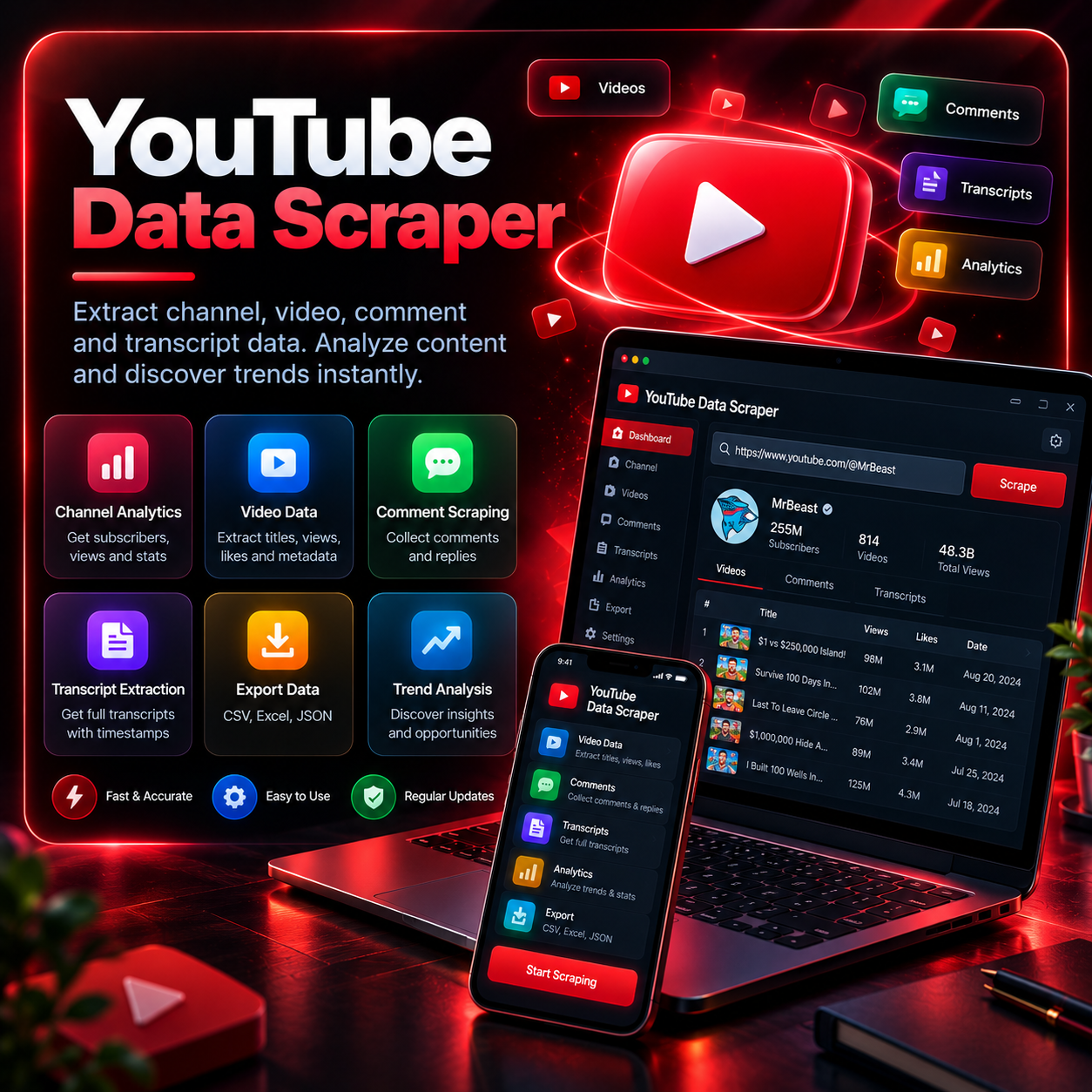
YouTube Data Scraper
Details
Google Chrome (latest version)
Python 3.9+ (auto-installed via setup script)
Stable internet connection
4GB RAM minimum
What’s included
Channel Data Extraction
Pull subscriber count, total views, upload frequency, and channel description in one click.
Metadata Collector
Extract title, views, likes, upload date, and description for any video or full channel.
Comment Scraper
Collect comments and replies from any video for audience feedback and sentiment research.
Full Transcript Collection
Automatically pull complete video transcripts, timestamped and ready for repurposing.
Competitor Monitoring
Track multiple channels over time to compare growth, upload patterns, and top-performing content.
Multi-Format Export
Export all extracted data to CSV, Excel, or JSON with one click.
How it works
Enter a Channel or Video URL
Paste a channel link, video URL, or search keyword to begin.
Choose What to Extract
Select channel stats, video metadata, comments, or full transcripts.
Set Extraction Limits
Choose how many videos or comments to pull in a single run.
Run the Scraper
The bot collects data automatically in the background — no manual watching required.
Export Your Data
Download the final dataset as CSV, Excel, or JSON for analysis or content planning.
Use cases
Content Creators
Study competitor videos and transcripts to find content gaps and trending topics.
Marketing Agencies
Build reports on channel performance and audience engagement for clients.
Researchers & Analysts
Collect comments and transcripts at scale for sentiment or trend analysis.
SEO Specialists
Extract video titles and descriptions to study keyword usage across top-ranking channels.