Business Automation

Business Workflow & Automation Bot

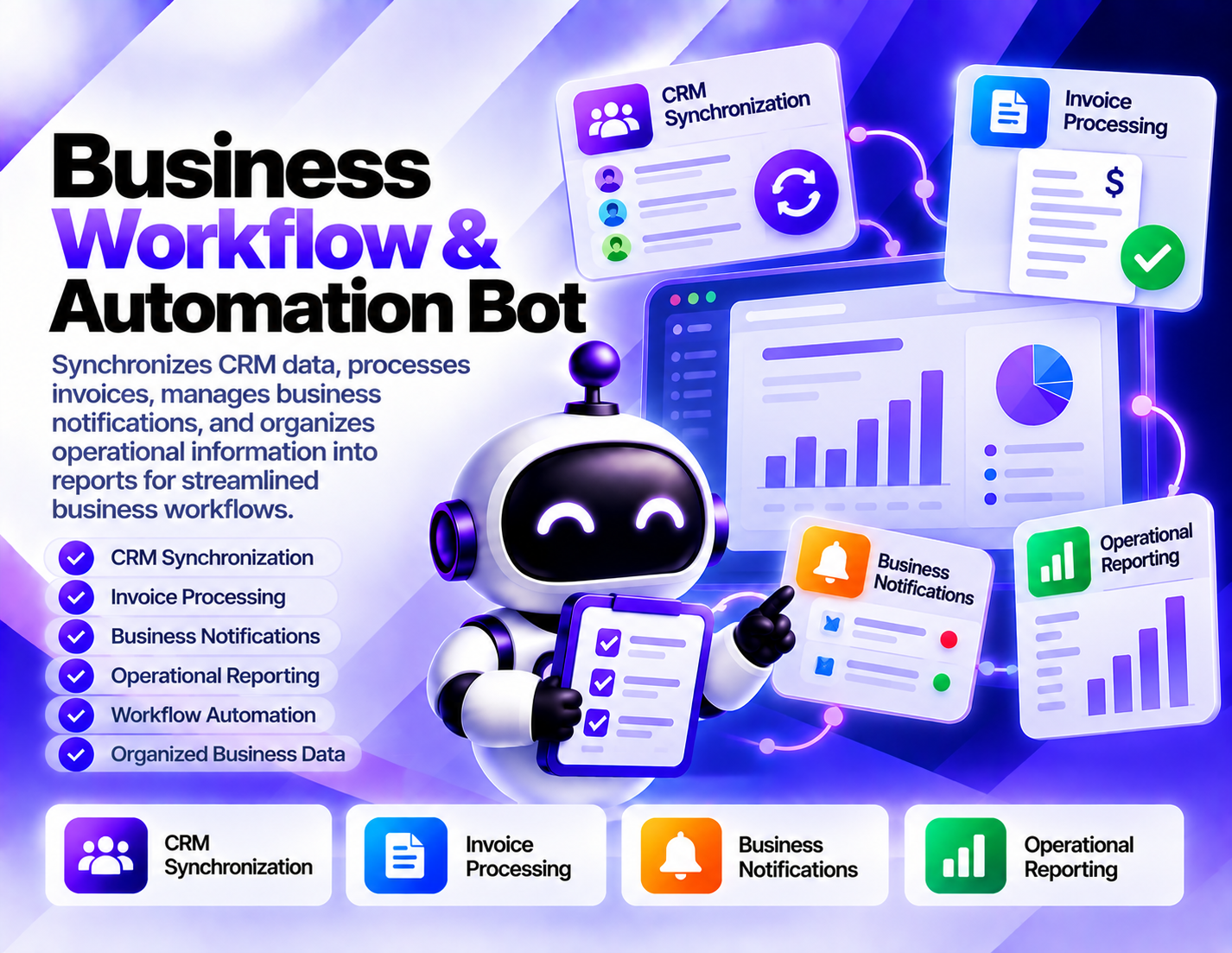
Synchronizes CRM data, processes invoices, manages business notifications, and organizes operational information into reports for streamlined business workflows.
System Ready to run
Platform Windows / macOS / Linux (Python-based, Chrome required)
Version 1.0.0
Business Workflow & Automation Bot
Product Information

Details

Price
107$
Category
Business Automation
Platform
Windows / macOS / Linux (Python-based, Chrome required)
Version
1.0.0
License
Single-Site Commercial License
Updates
Free updates for 6 months
Support
Email Support/Whatdsapp Support
Setup Time
Roughly 5-10 minutes to get running
Requirements
Windows computer
Google Chrome
Stable internet connection
Public Facebook Pages, Groups, posts, or Marketplace targets
CSV, Excel, or JSON compatible software for exported data
Internet access for monitoring and collection
Output Formats
CSV, Excel (XLSX), JSON, Google Sheets (via API)
Business Workflow & Automation Bot is designed to organize recurring administrative and operational tasks into a structured automation workflow. It brings CRM synchronization, invoice processing, business notifications, and reporting together so teams can handle routine business information more consistently. CRM synchronization helps keep customer and business records aligned within the defined workflow. By processing relevant CRM information systematically, the bot can support workflows where records need to be synchronized or kept organized between business processes. Invoice processing focuses on handling invoice information as part of routine administrative work. This can help reduce repetitive manual processing when invoices need to be reviewed or incorporated into an operational workflow. Business notifications provide a way to surface relevant operational activity and keep users informed when configured events or processing steps require attention. The exact notification behavior depends on the workflow being used. Operational reporting brings processed business information together for review. Reports can help teams examine available operational data and maintain a clearer view of recurring business activities. The bot is useful for businesses that handle repetitive CRM, invoice, notification, and reporting tasks. It is intended to support organized workflows and reduce manual administrative effort rather than guarantee accounting accuracy, CRM consistency, business growth, or operational outcomes.
Features

What’s included

01

CRM Data Synchronization

Synchronize relevant CRM information within defined business workflows to help keep customer records organized.

02

Invoice Processing

Process invoice information as part of a structured workflow for recurring administrative and operational tasks.

03

Business Notifications

Support notification workflows that bring relevant business activity or processing events to the user's attention.

04

Operational Reporting

Organize available business information into reports for reviewing recurring operational activity.

05

Workflow Coordination

Connect CRM, invoice, notification, and reporting tasks into a more organized business-processing sequence.

06

Business Data Organization

Structure operational information so it can be processed and reviewed more consistently across defined workflows.

07

Recurring Task Automation

Reduce repetitive manual handling by applying defined automation steps to recurring business processes.

08

Process Review Support

Bring workflow results and operational information together to support ongoing business process review.

Workflow

How it works

STEP 1

Define the Workflow

Identify the CRM, invoice, notification, and reporting tasks that need to be included in the business workflow.

STEP 2

Provide Business Data

Provide the relevant records, invoice information, and operational data required for the configured workflow.

STEP 3

Synchronize CRM Information

Process the relevant CRM data through the defined synchronization workflow.

STEP 4

Process Invoices

Handle available invoice information according to the configured business-processing workflow.

STEP 5

Manage Notifications

Apply the configured notification workflow when business activity or processing events require attention.

STEP 6

Generate Operational Reports

Organize available workflow information into reports for review and ongoing operational analysis.

Use Cases

Use cases

CRM Workflow Management

Organize recurring customer and CRM data synchronization tasks within a structured business workflow.

Invoice Administration

Support recurring invoice-processing tasks as part of a broader administrative automation workflow.

Business Notification Workflows

Surface relevant operational events through configured notifications so important workflow activity can be reviewed.

Operational Reporting

Organize business process information into reports for reviewing recurring operational activity.

Administrative Task Automation

Reduce repetitive manual work by connecting common CRM, invoice, notification, and reporting activities.

Business Process Monitoring

Maintain a structured view of recurring business workflows and the operational information generated during processing.

FAQ

Frequently asked questions

It synchronizes CRM data, processes invoices, manages business notifications, and organizes operational information into reports.
Yes. CRM data synchronization is one of the bot's core functions and can be included within a defined business workflow.
Yes. The bot supports invoice processing as part of recurring administrative and operational workflows.
Yes. Notification workflows can be used to surface relevant business activity or processing events that require attention.
Yes. It can organize available operational information into reports for business process review and analysis.
No. The specified functionality covers invoice processing within an automation workflow and does not claim to replace accounting or financial systems.
Yes. CRM synchronization, invoice processing, notifications, and reporting can be organized as connected steps within a broader workflow.
Businesses, administrative teams, operations teams, and other users handling recurring CRM, invoice, notification, and reporting tasks can use it.
Changelog

Version history

Version 1.0.0
2024-06-19
Initial release of this bot.