Lead Generation & Data Extraction

Google Maps Business Extractor Bot

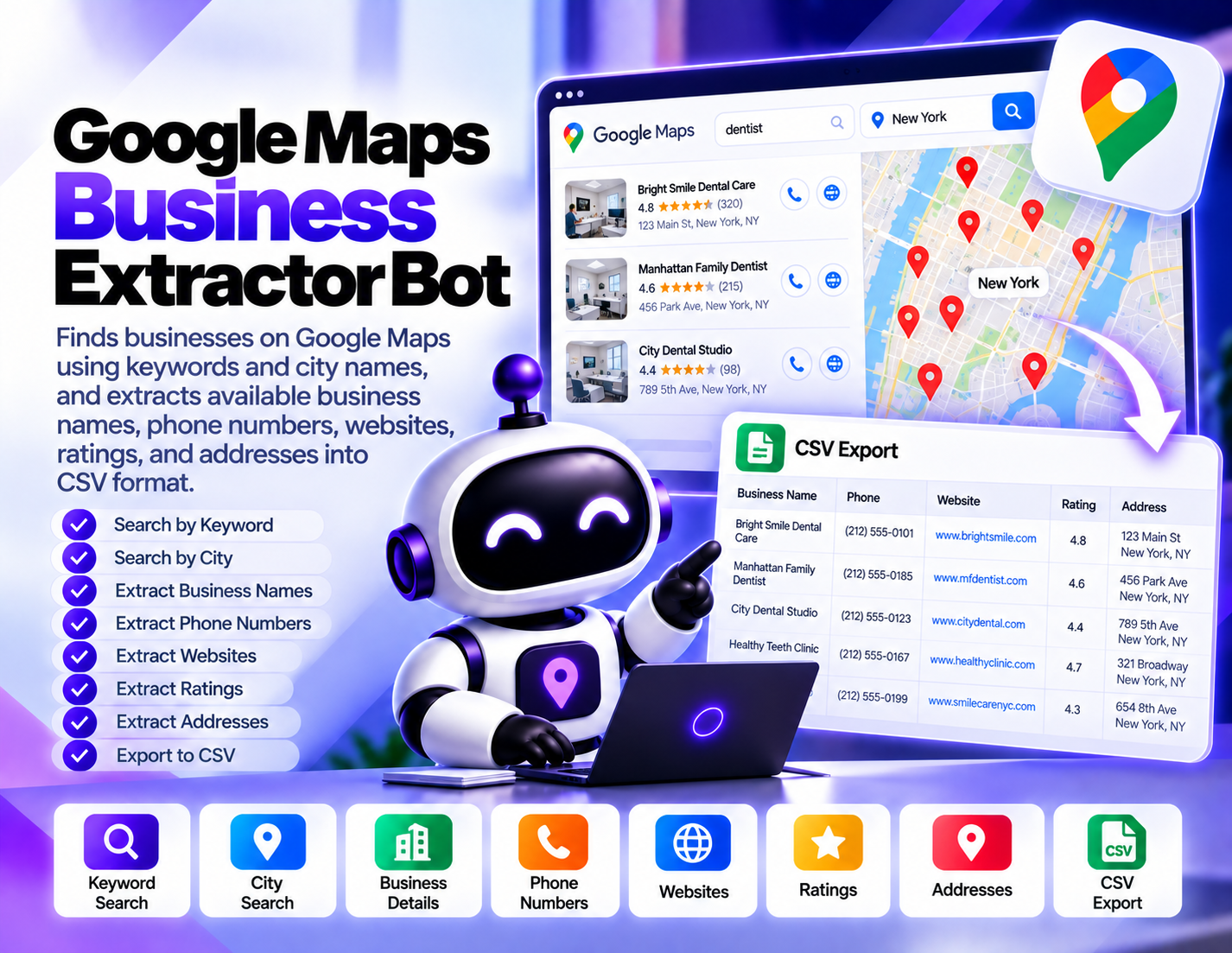
Finds businesses on Google Maps using keywords and city names, and extracts available business names, phone numbers, websites, ratings, and addresses into CSV format.
System Ready to run
Platform Windows / macOS / Linux (Python-based, Chrome required)
Version v1.0.0
Google Maps Business Extractor Bot
Product Information

Details

Price
87$
Category
Lead Generation & Data Extraction
Platform
Windows / macOS / Linux (Python-based, Chrome required)
Version
v1.0.0
License
Single-Site Commercial License
Updates
Free updates for 6 months
Support
Email Support/Whatdsapp Support
Requirements
Windows computer
Google Chrome
Stable internet connection
Public Facebook Pages, Groups, posts, or Marketplace targets
CSV, Excel, or JSON compatible software for exported data
Internet access for monitoring and collection
Output Formats
CSV, Excel (XLSX), JSON
Google Maps Business Extractor Bot is designed for users who need to collect publicly available business information from Google Maps searches. Instead of manually opening business listings and copying details one by one, the bot provides a structured workflow for searching by keyword and city and organizing available business data into CSV format. The workflow starts with simple search inputs such as a business keyword and a target city. This allows users to define the type of businesses they want to research and the geographic area they want to examine. For example, a user can search for a specific business category within a particular city and collect the listings returned by the search. For available listings, the bot can extract useful business details including business names, phone numbers, websites, ratings, and addresses. The exact information available can vary between individual Google Maps listings, so fields may not be present for every business. CSV output makes the collected information easier to organize and review. The resulting dataset can be used for lead research, local market analysis, business directory research, or other workflows where structured business information is useful. Google Maps Business Extractor Bot is particularly useful for agencies, sales teams, researchers, local SEO professionals, and businesses conducting geographic market research. It focuses on collecting available listing information rather than guaranteeing that every search result contains every field or that extracted information is permanently current. Users should also ensure that their use of collected information and automated access complies with applicable laws, platform terms, and privacy requirements.
Features

What’s included

01

Keyword-Based Business Search

Search for businesses using the specific keywords that match the business category or service being researched.

02

City-Based Targeting

Combine business keywords with city names to focus research on a particular geographic market.

03

Business Name Extraction

Collect available business names from matching Google Maps listings for structured research.

04

Phone Number Extraction

Extract available phone numbers from business listings when the information is publicly displayed.

05

Website Extraction

Collect available business website information from Google Maps listings.

06

Rating Collection

Capture available business ratings from matching listings for local market and business research.

07

Address Extraction

Collect available business addresses to help organize location-based business information.

08

CSV Data Export

Organize extracted business information into CSV format for easier review and use in subsequent workflows.

Workflow

How it works

STEP 1

Enter a Business Keyword

Provide the keyword describing the type of businesses you want to find, such as a service or business category.

STEP 2

Enter the City

Specify the city where you want to search for matching business listings.

STEP 3

Run the Search

Start the Google Maps search using the selected keyword and city combination.

STEP 4

Collect Available Listing Data

Process the matching listings and collect available names, phone numbers, websites, ratings, and addresses.

STEP 5

Organize the Results

Structure the collected business information into a consistent dataset for easier review.

STEP 6

Export to CSV

Save the collected business information as a CSV file for further research, organization, or lead-processing workflows.

Use Cases

Use cases

Local Lead Research

Find businesses in selected cities and collect available contact and listing information for prospecting research.

Local SEO Research

Research businesses within specific locations and review available ratings, websites, addresses, and other listing information.

Market Research

Build location-based datasets of businesses to study local markets, categories, and geographic opportunities.

Sales Prospecting

Create structured business lists from selected keyword and city searches for use in prospecting workflows.

Business Directory Research

Collect available business listing details and organize them into CSV datasets for further analysis.

Competitor Discovery

Search selected business categories and locations to identify publicly listed businesses for competitive or market research.

FAQ

Frequently asked questions

It searches Google Maps using business keywords and city names and extracts available business names, phone numbers, websites, ratings, and addresses into CSV.
Yes. City names can be used together with business keywords to focus the search on a specific geographic area.
The specified fields include business names, available phone numbers, websites, ratings, and addresses.
No. Available information can vary between listings, so some businesses may have missing phone numbers, websites, ratings, addresses, or other fields.
Yes. The bot organizes the extracted business information into CSV format.
Yes. You can provide the business keyword that matches the category or service you want to research.
No. Results depend on the search, available listings, source behavior, and extraction conditions, so the output should be treated as a research dataset rather than a guaranteed complete directory.
Sales teams, SEO agencies, researchers, marketers, local businesses, and other users conducting location-based business research can use it.
Changelog

Version history

Version 1.0.0
2025-07-02
Initial release of this bot.