Website Monitoring & Automation

Website Monitoring & Automation Bot

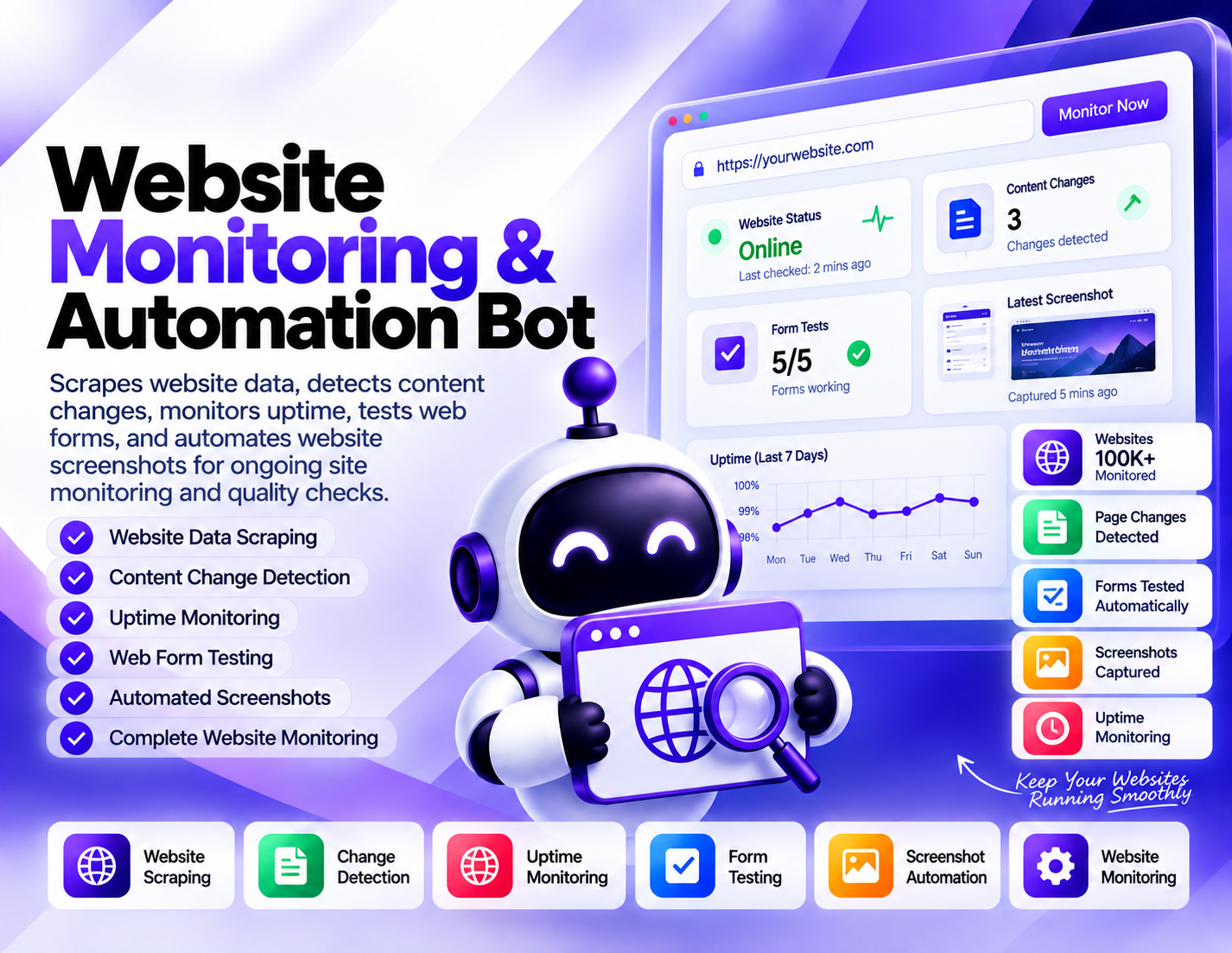
Scrapes website data, detects content changes, monitors uptime, tests web forms, and automates website screenshots for ongoing site monitoring and quality checks.
System Ready to run
Platform Windows, macOS, Linux (Chrome required)
Version 1.0.0
Website Monitoring & Automation Bot
Product Information

Details

Price
119$
Category
Website Monitoring & Automation
Platform
Windows, macOS, Linux (Chrome required)
Version
1.0.0
License
Single-Site Commercial License
Updates
Free updates for 6 months
Support
Email Support/Whatdsapp Support
Setup Time
Roughly 5-10 minutes to get running
Requirements
Website URLs and the pages, forms, or monitoring checks you want to include in the workflow.
Output Formats
CSV, Excel (XLSX), JSON, Google Sheets (via API)
Website Monitoring & Automation Bot brings several recurring website-checking tasks into one structured workflow. It is designed for situations where websites need to be reviewed regularly for changes, availability, form behavior, and visual updates without relying entirely on manual checks. Website scraping allows the bot to collect available information from selected web pages for monitoring or research purposes. This can be useful when specific page content needs to be reviewed repeatedly or compared over time. Change detection focuses on identifying differences in monitored website content. By checking pages at different points in time, the workflow can help highlight changes that may deserve attention, such as updated text, altered page information, or other detectable content changes. Uptime monitoring provides a way to check whether monitored websites are reachable and available. Regular availability checks can help website owners and teams identify potential accessibility issues that require further investigation. Form testing adds another practical quality-control capability. Selected web forms can be tested as part of a website review process, helping teams verify that important form workflows are behaving as expected. Screenshot automation provides visual records of monitored web pages. Automated screenshots can be useful for comparing page appearance over time, documenting website changes, or keeping a visual history of selected pages. Website Monitoring & Automation Bot is suitable for website owners, agencies, developers, QA teams, and digital marketers who need repeatable website checks. It focuses on monitoring and testing rather than guaranteeing website availability, detecting every possible change, or replacing human quality assurance.
Features

What’s included

01

Website Data Scraping

Collect available information from selected website pages for monitoring, research, and recurring content checks.

02

Content Change Detection

Compare monitored website content over time to identify detectable changes that may require review.

03

Uptime Monitoring

Check the availability of selected websites or pages as part of an ongoing website monitoring workflow.

04

Web Form Testing

Test selected website forms as part of routine quality checks and identify form behavior that may need attention.

05

Automated Screenshots

Capture screenshots of selected web pages to create visual records for monitoring and comparison.

06

Page Monitoring

Keep selected website pages within a repeatable monitoring workflow for content and availability checks.

07

Website Quality Checks

Combine content, uptime, form, and visual checks to support routine website maintenance and quality review.

08

Change Documentation

Use collected page data and screenshots as references when reviewing or documenting changes to monitored websites.

Workflow

How it works

STEP 1

Add Website Pages

Provide the website URLs or specific pages you want to include in the monitoring workflow.

STEP 2

Choose Monitoring Checks

Define which pages should be scraped, monitored for changes, checked for uptime, tested for forms, or captured as screenshots.

STEP 3

Collect Website Data

Run the scraping workflow to collect available information from the selected pages.

STEP 4

Check Changes and Availability

Review monitored pages for detectable content changes and check whether the selected pages remain reachable.

STEP 5

Test Forms and Capture Screenshots

Run the configured form checks and create automated screenshots for the pages included in the visual monitoring workflow.

STEP 6

Review Monitoring Results

Examine collected data, detected changes, availability checks, form results, and screenshots to identify items that need follow-up.

Use Cases

Use cases

Website Maintenance

Run recurring checks on important pages to monitor availability, content changes, and other website maintenance concerns.

Competitor Website Monitoring

Monitor selected public website pages and capture detectable changes or screenshots for ongoing research.

Website Quality Assurance

Use uptime checks, form testing, content monitoring, and screenshots as part of a structured website QA process.

Content Change Tracking

Monitor selected pages to identify detectable updates and keep a record of changes that may require review.

Form Quality Checks

Test important website forms periodically to support routine checks of website functionality.

Visual Website Monitoring

Automate screenshots of selected pages to create visual references for reviewing website appearance and changes over time.

FAQ

Frequently asked questions

It scrapes website data, detects content changes, monitors uptime, tests web forms, and automates screenshots for ongoing website checks.
Yes. It can monitor selected pages and identify detectable differences in their content over time.
Yes. Uptime monitoring is included to check the availability of selected websites or pages.
Yes. The bot includes web form testing as part of its website quality and monitoring workflow.
Yes. Screenshot automation allows selected website pages to be captured as visual records during the monitoring process.
Website scraping can collect available page information for monitoring, research, and comparison workflows. The exact data depends on the monitored page.
No. It monitors availability and can help identify potential uptime issues, but it does not guarantee website availability.
Website owners, developers, agencies, QA teams, marketers, and other teams responsible for monitoring or maintaining websites can use it.
Changelog

Version history

Version 1.0.0
2025-06-11
Initial release of this bot.