Crypto Price Telegram Alert Bot
A Telegram-based crypto price monitoring bot that tracks selected coins and sends automatic notifications when prices change or reach user-defined levels, helping users stay update…
View botAfter you message us, we share the payment options and send your license. Prefer email? Contact us.
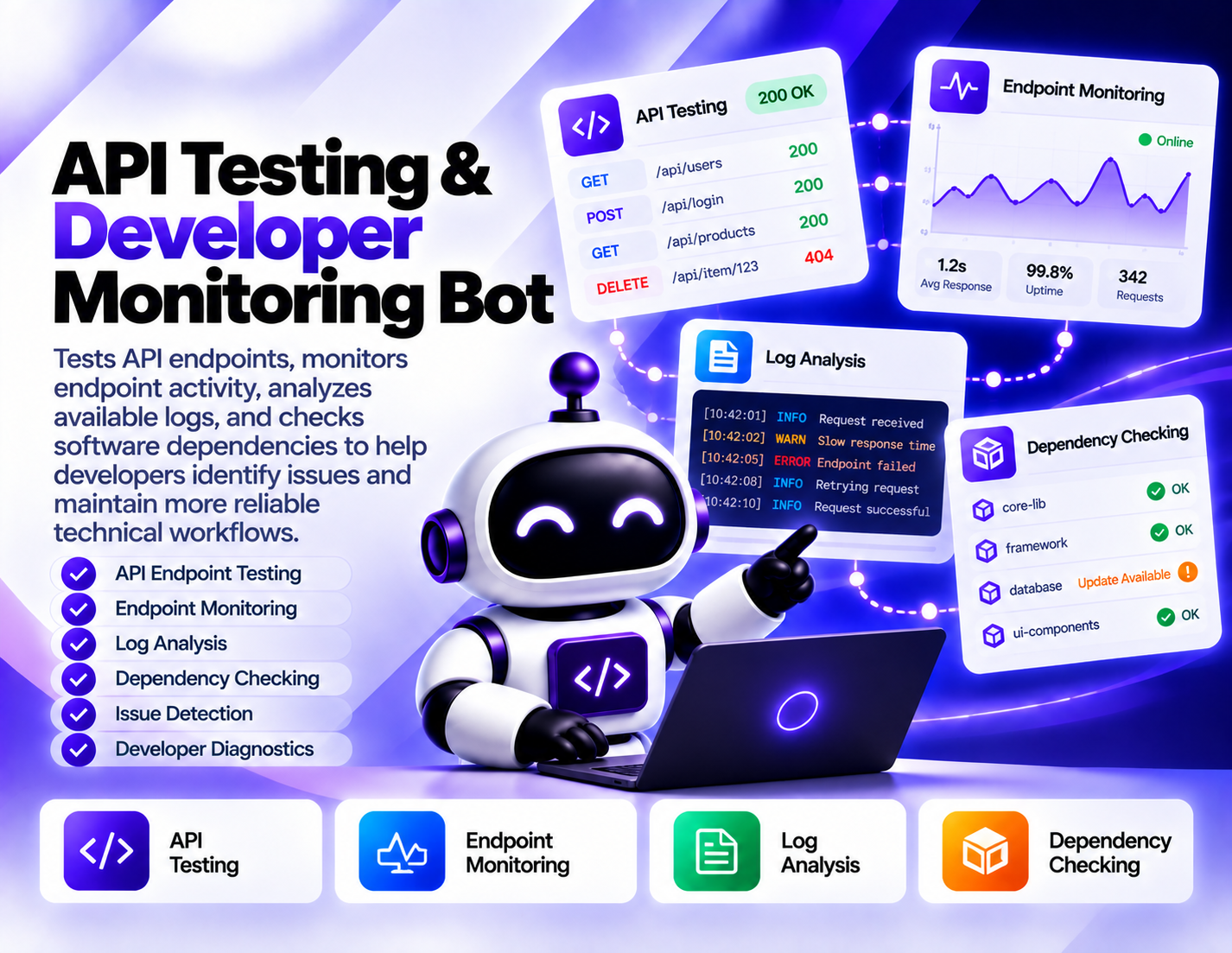
API Testing & Developer Monitoring Bot is designed to bring several recurring technical checks into a structured developer workflow. It combines API endpoint testing, endpoint activity monitoring, log analysis, and dependency checking to help developers review technical systems and identify areas that may require attention.
API endpoint testing provides a practical way to check selected endpoints as part of a development or maintenance workflow. Developers can use endpoint tests to examine whether the configured API behavior matches the expectations of the workflow being tested.
Endpoint monitoring extends this process by keeping track of selected API activity over time. This can help developers maintain awareness of endpoint behavior and investigate changes that appear during ongoing monitoring.
Log analysis provides another source of technical information. Available logs can contain useful details about application or system activity, and analyzing them can help organize information that may be relevant when investigating technical issues.
Dependency checking focuses on the software components used within a project. Reviewing dependency information can help developers identify items that require attention as part of routine project maintenance.
By combining these capabilities, the bot can support development teams during testing, maintenance, troubleshooting, and technical review. It is intended to assist developers with structured checks and information gathering rather than guarantee that every software defect, API failure, or dependency issue will be detected.
API Testing & Developer Monitoring Bot can be useful for developers and technical teams that want a repeatable workflow for checking endpoints, reviewing activity, examining available logs, and keeping dependency information under observation.
Use this bot only with data and accounts you are allowed to access, follow the terms of any website or platform it works with, and comply with the privacy and data-protection laws that apply to you. Start with a small test to check the output before you scale up.
Test selected API endpoints as part of a structured workflow for checking expected endpoint behavior.
Monitor selected endpoint activity to help developers stay aware of changes or notable behavior.
Analyze available application or system logs to organize technical information relevant to troubleshooting and review.
Review software dependency information to help identify items that may require developer attention.
Bring testing, monitoring, logs, and dependency information together to help surface potential technical issues.
Create repeatable workflows for checking and reviewing selected API endpoints and their available activity.
Use available endpoint and log information to support investigation of unexpected technical behavior.
Combine dependency reviews and technical monitoring into recurring developer maintenance workflows.
Provide the API endpoints, logs, and dependency information that should be included in the monitoring workflow.
Define the selected API endpoints and the checks required for the intended testing workflow.
Test the configured endpoints and collect the available results for technical review.
Review selected endpoint activity and identify changes or behavior that may require further investigation.
Examine available logs and dependency information to identify details relevant to troubleshooting or maintenance.
Evaluate the collected testing and monitoring information and determine which technical items need further action.
Test selected endpoints during development workflows to review expected API behavior.
Keep selected API endpoints under observation and review available activity for changes or unexpected behavior.
Combine endpoint results and available logs to support investigation of technical issues.
Check project dependency information as part of routine software maintenance and technical review.
Create a repeatable workflow for endpoint testing, activity monitoring, log analysis, and dependency checking.
Organize technical information from APIs, logs, and dependencies to help developers investigate system behavior.
| Bot | Category | Platform | Price |
|---|---|---|---|
| API Testing & Developer Monitoring Bot (this bot) | Developer Tools | Windows / macOS / Linux (Python-based, Chrome required) | $119 |
| Crypto Price Telegram Alert Bot | Crypto Price Monitoring & Alerts | Windows, macOS, or Linux computer | $117 |
| YouTube Channel Views & Subscriber Monitor Bot | YouTube Monitoring & Channel Analytics | Windows / macOS / Linux (Python-based, Chrome required) | $119 |
| Broken Link Scanner Bot | Website SEO & Monitoring | Windows, macOS, Linux (Chrome required) | $79 |