Social Media

Discord Server Management Bot

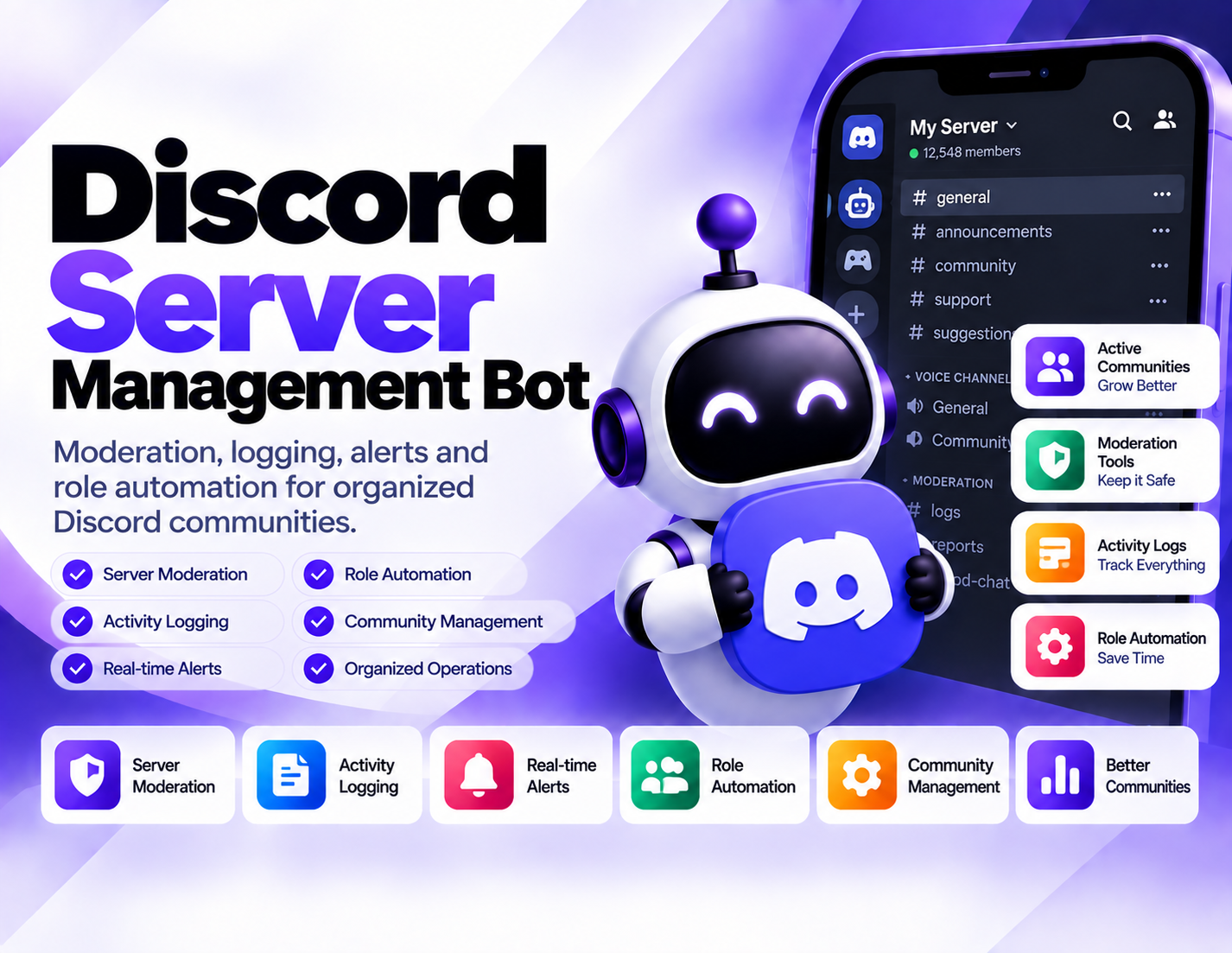
Helps manage Discord servers through moderation workflows, activity logging, alerts, and role automation for organized community management.
System Ready to run
Platform Windows, macOS, Linux (Chrome required)
Version 1.0.0
Discord Server Management Bot
Product Information

Details

Price
119$
Category
Social Media
Platform
Windows, macOS, Linux (Chrome required)
Version
1.0.0
License
Single-Site Commercial License
Updates
Free updates for 6 months
Support
Email Support/Whatdsapp Support
Setup Time
Roughly 5-10 minutes to get running
Requirements
A Discord server where the bot can be configured with the permissions required for its intended management and moderation workflows.
Output Formats
CSV, Excel (XLSX), JSON, Google Sheets (via API)
Discord Server Management Bot is designed to make routine community administration more structured by bringing moderation workflows, activity logging, alerts, and role automation into one management process. It can help server administrators organize repetitive tasks while keeping important activity easier to review. Moderation workflows provide a structured approach to handling server activity. Instead of relying entirely on manual checks, administrators can use defined moderation processes to support day-to-day community management and maintain a more organized server environment. Activity logging adds visibility into server events and actions. Keeping relevant activity records can make it easier for administrators to review what happened, investigate specific events, and maintain a useful history of server activity. Alerts can help bring attention to activity that requires review. By monitoring defined events or conditions within the available management workflow, administrators can focus their attention on situations that may require a response rather than constantly checking the server manually. Role automation helps organize member permissions and access through predefined role-based workflows. This can reduce repetitive administrative work when managing roles across a growing Discord community. The Discord Server Management Bot is suitable for communities that need a more organized approach to moderation and administration. It can support server owners, moderators, community managers, and administrators who want to combine routine moderation, activity records, alerts, and role management into a consistent workflow.
Features

What’s included

01

Moderation Workflows

Support structured moderation processes for managing routine server activity and maintaining an organized community environment.

02

Activity Logging

Keep records of relevant server activity so administrators can review events and better understand what happened within the community.

03

Server Alerts

Use alerts to bring attention to defined server activity or events that may require administrator or moderator review.

04

Role Automation

Automate defined role-management tasks to reduce repetitive work when organizing members and server access.

05

Administrative Monitoring

Provide a more structured way to observe server activity as part of ongoing community administration.

06

Moderation Review Support

Use logged activity and moderation workflows as a reference when reviewing events or handling community management tasks.

07

Organized Server Operations

Bring moderation, logging, alerts, and role-related tasks together into a consistent server management workflow.

08

Repeatable Management Tasks

Reduce manual repetition by establishing defined workflows for recurring server administration and role-management activities.

Workflow

How it works

STEP 1

Connect the Server

Add the bot to the Discord server where you want to organize moderation and management workflows.

STEP 2

Define Management Rules

Determine which moderation activities, server events, alerts, and role tasks should be included in your workflow.

STEP 3

Configure Logging

Set up the activity records needed to make relevant server events available for later review.

STEP 4

Configure Alerts

Define the types of activity that should bring attention to events requiring moderator or administrator review.

STEP 5

Set Role Automation

Establish the role-management workflows needed for recurring member and access administration.

STEP 6

Monitor and Manage

Use the configured workflows, logs, alerts, and role automation to support ongoing Discord server administration.

Use Cases

Use cases

Community Moderation

Support moderators with structured workflows for managing routine activity and reviewing events within a Discord community.

Server Activity Logging

Maintain useful activity records that administrators can reference when reviewing server events or community activity.

Moderator Alerts

Bring selected server activity to moderator attention through defined alert workflows instead of relying solely on constant manual monitoring.

Member Role Management

Automate recurring role-related tasks to make member organization and server access management more consistent.

Growing Discord Communities

Provide a structured management workflow for communities where increasing activity creates more routine administrative work.

Server Administration

Combine moderation, logging, alerts, and role automation to support day-to-day administration of an organized Discord server.

FAQ

Frequently asked questions

It helps manage Discord servers through moderation workflows, activity logging, alerts, and role automation.
Yes. Its functionality includes structured moderation workflows designed to support routine community management.
Activity logging provides records of relevant server events so administrators and moderators can review activity when needed.
Yes. The bot supports alerts for defined server activity or events that may require administrator or moderator attention.
Yes. Role automation is included to support predefined role-management tasks and reduce repetitive administration.
No. The bot is designed to support moderation and administration workflows. Human administrators and moderators can still review situations and make management decisions.
It can support communities that need organized moderation, activity logging, alerts, or role-management workflows. The specific setup depends on the server's management requirements.
The required permissions depend on the management and moderation workflows configured for the server. Permissions should be limited to what the intended tasks require.
Changelog

Version history

Version 1.0.0
2024-05-14
Initial Release