Google Maps Business Extractor Bot
Finds businesses on Google Maps using keywords and city names, and extracts available business names, phone numbers, websites, ratings, and addresses into CSV format.
View botAfter you message us, we share the payment options and send your license. Prefer email? Contact us.
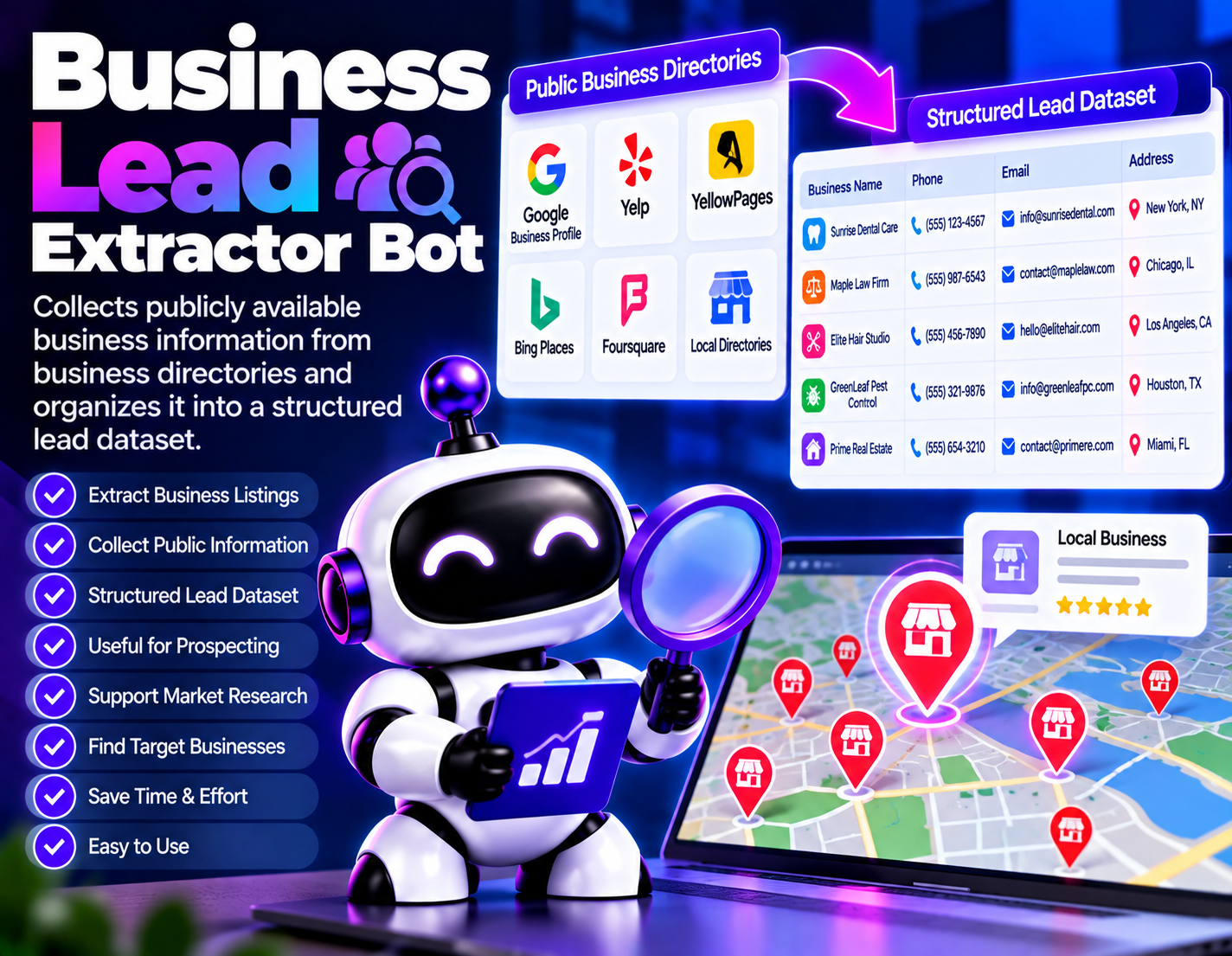
Business Lead Extractor Bot helps turn publicly available business directory information into an organized dataset for prospecting and business research. Instead of manually opening directory listings and transferring business details into a spreadsheet or working document, users can use the bot to collect relevant information and structure the resulting records.
Public business directories can contain useful information about companies and local businesses, but reviewing many listings manually can be repetitive. This bot focuses on the collection and organization stage of lead research, helping users create a structured set of business records from information that is publicly available in directory listings.
The resulting dataset can be used as a starting point for prospect discovery, market research, business development, and other workflows that require organized business information. Users can review the collected records and decide which businesses are relevant to their particular purpose.
Business Lead Extractor Bot is focused on publicly available directory information. It does not claim access to private business data, hidden contact information, or restricted systems. The usefulness of the resulting dataset depends on the information made available by the public directories being researched.
Use this bot only with data and accounts you are allowed to access, follow the terms of any website or platform it works with, and comply with the privacy and data-protection laws that apply to you. Start with a small test to check the output before you scale up.
Collects available business information from public business directory listings.
Organizes extracted business information into a structured dataset for easier review and handling.
Helps gather multiple relevant business listings instead of requiring users to record each listing manually.
Provides organized business data that can serve as a starting point for prospecting and research activities.
Supports prospect discovery by collecting business records available through selected public directories.
Keeps collected business information organized so individual records can be reviewed more efficiently.
Creates a structured collection of publicly available business information that can support market research.
Reduces repetitive copying and organization work involved in collecting business listings manually.
Choose a public business directory containing the businesses you want to research.
Identify the type or group of business listings relevant to your prospecting or research needs.
The bot processes available business listings and collects publicly displayed business information.
Collected information is organized into structured business lead records for easier handling.
Review the extracted records and determine which businesses are relevant to your particular workflow.
Use the organized dataset as a starting point for prospecting, business research, or business development activities.
Build an organized list of publicly listed businesses that may be relevant to a sales prospecting workflow.
Collect publicly available information about businesses listed in directories for local market research.
Create structured business records from public directory listings for B2B prospect discovery.
Assemble publicly available business information into a dataset that can be reviewed when researching a market or business category.
Help agencies collect potential business prospects from public directories as part of their business development research.
Organize publicly available business listings into a research dataset that can support business development workflows.
| Bot | Category | Platform | Price |
|---|---|---|---|
| Business Lead Extractor Bot (this bot) | Lead Generation & Business Research | Windows, macOS, Linux (Chrome required) | $79 |
| Google Maps Business Extractor Bot | Lead Generation & Data Extraction | Windows / macOS / Linux (Python-based, Chrome required) | $87 |
| Instagram Comment Lead Capture Bot | Instagram Lead Generation & Marketing Automation | Windows / macOS / Linux (Python-based, Chrome required) | $83 |
| Reddit Lead Finder Bot | Reddit Lead Research | Windows, macOS, Linux (Chrome required) | $87 |