Google

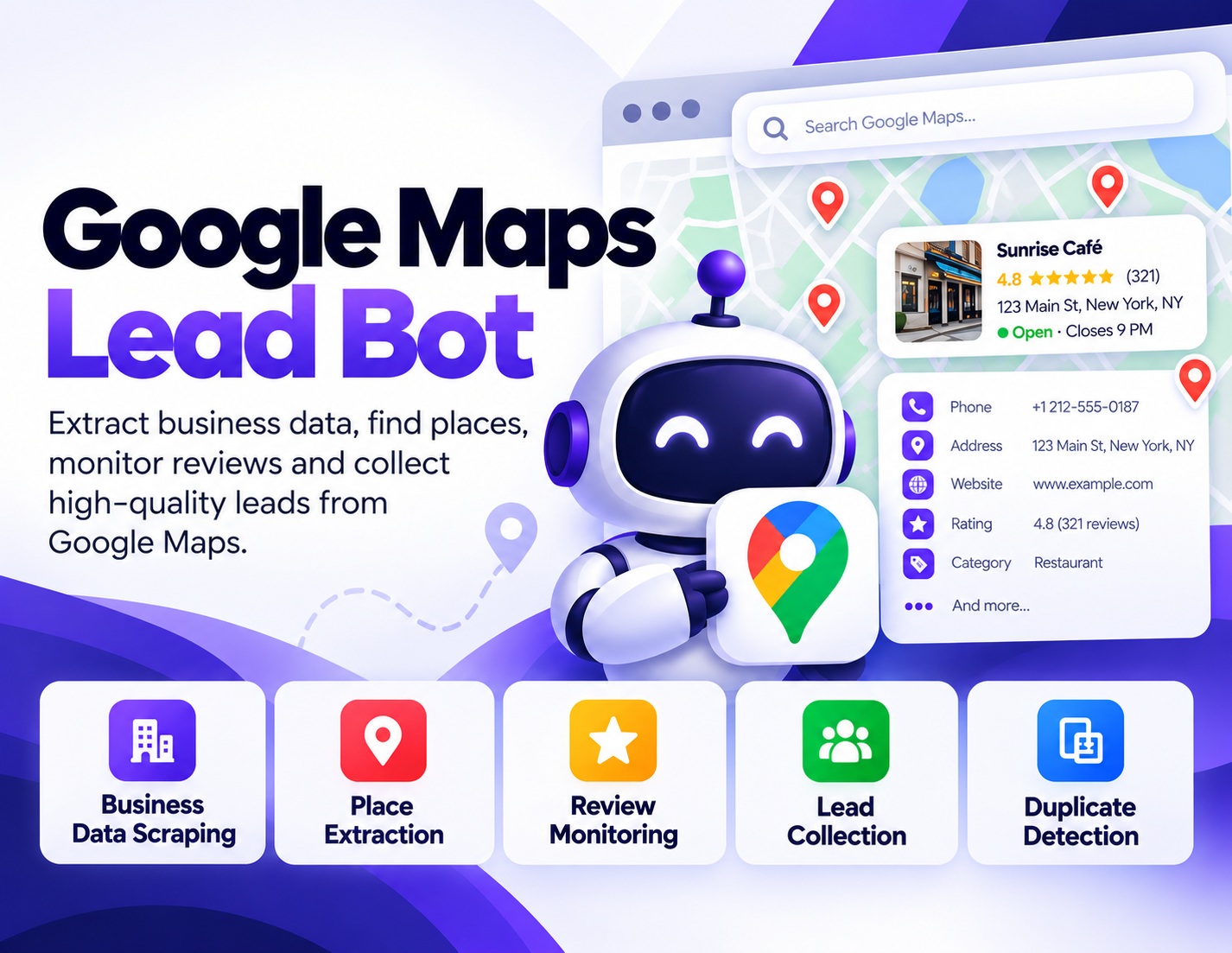
Google Maps Lead Bot

Extract, organize, and analyze valuable business information from Google Maps with one practical automation tool. The Google Maps Business Intelligence Bot helps businesses, marketers, agencies, and researchers collect place data, discover potential leads, monitor reviews, identify duplicate listings, and organize local business information into structured files.

Instead of manually opening listings one by one, the bot can automate repetitive Google Maps research and turn collected business information into usable datasets for analysis, prospecting, reporting, and local market research.
System Ready to run
Platform Windows, macOS, Linux (Chrome required)
Version v1.0.0
Google Maps Lead Bot
Product Information

Details

Price
119$
Category
Google
Platform
Windows, macOS, Linux (Chrome required)
Version
v1.0.0
License
Single-Site Commercial License
Updates
Free updates for 6 months
Support
Email Support/Whatdsapp Support
Setup Time
5–10 minutes
Requirements
Windows, macOS, or Linux
Google Chrome
Stable internet connection
Google Maps access
Basic understanding of CSV/Excel files
Output Formats
CSV, Excel (XLSX), JSON
Google Maps Lead Bot is designed to simplify repetitive local business research and Google Maps data collection. It brings several Google Maps workflows into one automation tool, including business data extraction, place discovery, review monitoring, duplicate listing detection, and lead collection. For agencies, marketers, researchers, and businesses working with local markets, manually collecting information from hundreds of business listings can consume significant time. This bot helps organize that research into structured datasets that are easier to review, filter, compare, and process. *Business Data Collection* Collect relevant information from Google Maps listings and organize the results into structured datasets. This can help users research businesses within specific locations, categories, or search queries without manually recording every listing. *Place Extraction* Discover and collect place listings based on the searches and locations you provide. The extracted information can be used for local market research, business directories, competitor research, and prospecting workflows. *Review Monitoring* Collect available review-related information from business listings so users can organize and examine customer feedback across multiple places. This can help agencies and businesses identify listings that require further review or analysis. *Duplicate Detection* Large business datasets can contain duplicate or overlapping listings. The bot can help identify potential duplicate records so users can clean and organize their collected business data more efficiently. *Lead Collection* Use Google Maps research as part of a local prospecting workflow. Businesses and agencies can collect relevant listing information and organize potential prospects into structured files for further qualification. *Export Your Data* Collected information can be exported into common formats such as CSV, Excel, and JSON, making it easier to move the data into spreadsheets, databases, analysis tools, or other business workflows.
Features

What’s included

01

Google Maps Business Data Extraction

Collect available business listing information from Google Maps and organize it into a structured dataset.

02

Location Based Place Discovery

Research businesses by location, area, category, or search query to build targeted local datasets.

03

Business Lead Collection

Turn local business research into organized prospect lists for agencies, sales teams, and marketers.

04

Review Data Monitoring

Collect review related listing information to help users examine customer feedback across multiple businesses.

05

Duplicate Listing Detection

Identify potential duplicate business records within collected datasets to make data cleaning easier.

06

CSV, Excel & JSON Export

Export collected information in practical formats for spreadsheets, databases, reporting, and further processing.

Workflow

How it works

STEP 1

Enter Your Google Maps Search

Provide the business category, keyword, location, or search criteria you want the bot to research.

STEP 2

Start the Collection

Launch the bot and allow it to process the selected Google Maps results according to your search criteria.

STEP 3

Organize Business Information

The collected listing information is organized into a structured dataset for easier review and filtering.

STEP 4

Review & Clean the Dataset

Check the collected businesses, review information, potential duplicates, and prospect records.

STEP 5

Export Your Results

Save the final dataset as CSV, Excel, or JSON and continue using it in your preferred workflow.

Use Cases

Use cases

Local Market Research

Research businesses operating within a particular city, region, or service category.

Lead Generation

Build organized lists of potential business prospects for sales and marketing campaigns.

Agency Prospecting

SEO and marketing agencies can research local businesses as part of their prospect discovery process.

Competitor Research

Collect business listing information to understand the local competitive landscape.

Business Directory Research

Create structured datasets of businesses based on specific categories and geographic areas.

Data Cleaning

Identify potential duplicate records and organize collected business information before further analysis.

FAQ

Frequently asked questions

It is an automation tool designed to help users collect and organize Google Maps business information for research, prospecting, review analysis, and local business workflows.
The exact available fields depend on the Google Maps results and the bot's configured workflow. The tool is designed around business listings, place information, review-related data, and prospecting information.
Yes. Location based searches are one of the main workflows supported by the bot.
Yes. The bot supports CSV, Excel (XLSX), and JSON output formats.
Yes. Collected business information can be organized into prospect datasets for further qualification and outreach.
The bot includes a duplicate detection workflow intended to help identify potential duplicate business records within collected datasets.
It can be useful for SEO agencies, marketers, sales teams, researchers, local businesses, and professionals who regularly perform Google Maps research.
You need a compatible Windows, macOS, or Linux system, Google Chrome, an internet connection, and access to Google Maps.
Changelog

Version history

Version 1.0.0
2024-05-20
Initial release of the Google Maps Business Intelligence Bot with business data collection, place discovery, review monitoring, duplicate detection, lead collection, and structured export workflows.