File & Data Automation

File & Data Automation Bot

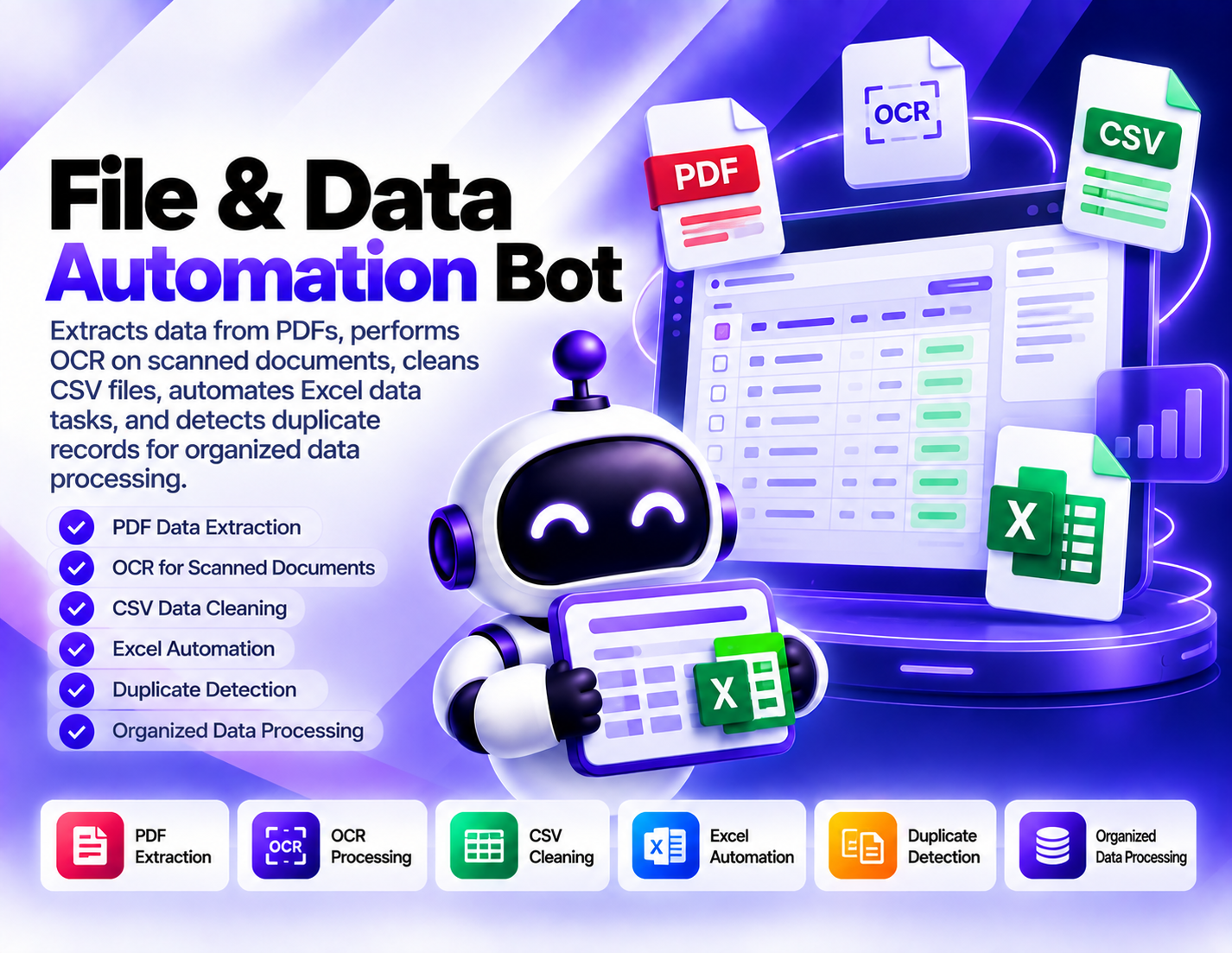
Extracts data from PDFs, performs OCR on scanned documents, cleans CSV files, automates Excel data tasks, and detects duplicate records for organized data processing.
System Ready to run
Platform Windows / macOS / Linux (Python-based, Chrome required)
Version 1.0.0
File & Data Automation Bot
Product Information

Details

Price
119$
Category
File & Data Automation
Platform
Windows / macOS / Linux (Python-based, Chrome required)
Version
1.0.0
License
Single-Site Commercial License
Updates
Complimentary for the first six months
Support
Email Support/Whatdsapp Support
Setup Time
Roughly 5-10 minutes to get running
Requirements
Windows computer
Google Chrome
Stable internet connection
Public Facebook Pages, Groups, posts, or Marketplace targets
CSV, Excel, or JSON compatible software for exported data
Internet access for monitoring and collection
Output Formats
CSV, Excel (XLSX), JSON, Google Sheets (via API)
File & Data Automation Bot is designed for workflows where information needs to be extracted, cleaned, organized, or checked across common business file formats. It combines PDF data extraction, OCR processing, CSV cleaning, Excel automation, and duplicate detection into one practical data-processing workflow. PDF extraction helps turn available information from PDF documents into data that can be reviewed and processed more easily. This can be useful when important information is stored inside documents rather than structured spreadsheets. OCR processing extends the workflow to scanned documents and other image-based files. By recognizing available text from scanned material, the bot can help make document information more suitable for subsequent processing and organization. CSV cleaning focuses on preparing tabular data for more consistent use. The workflow can be used to identify and handle data-quality issues within CSV files before the information is used for analysis or other tasks. Excel automation supports repetitive spreadsheet operations and structured data tasks. Instead of manually performing the same spreadsheet actions repeatedly, users can use the bot as part of a defined Excel-processing workflow. Duplicate detection adds another layer of data organization by identifying records that appear to be repeated. This can help users review potential duplicates before continuing with analysis, reporting, or other data workflows. File & Data Automation Bot is useful for businesses, researchers, administrative teams, and anyone working with mixed document and spreadsheet data. It is designed to reduce repetitive file-processing work while keeping the final review and decisions under the user's control.
Features

What’s included

01

PDF Data Extraction

Extract available information from PDF documents so it can be processed and organized within a structured data workflow.

02

OCR for Scanned Documents

Process scanned documents using OCR to recognize available text from image-based document content.

03

CSV Data Cleaning

Clean and organize CSV data to make tabular information more consistent and easier to work with.

04

Excel Task Automation

Automate defined Excel data tasks to reduce repetitive spreadsheet processing and manual operations.

05

Duplicate Record Detection

Identify records that appear to be duplicates so they can be reviewed and handled within the data-cleaning workflow.

06

Document-to-Data Processing

Bring extracted information from documents into a more structured workflow for further organization and processing.

07

Structured File Processing

Handle PDFs, scanned documents, CSV files, and Excel data through focused processing workflows.

08

Data Preparation

Prepare extracted and cleaned information for subsequent analysis, reporting, organization, or other data tasks.

Workflow

How it works

STEP 1

Upload Your File

Provide the PDF, scanned document, CSV, or Excel file that needs to be processed.

STEP 2

Select the Processing Task

Choose the appropriate workflow for PDF extraction, OCR, CSV cleaning, Excel automation, or duplicate detection.

STEP 3

Extract or Process Data

Run the selected workflow to extract information or perform the requested data-processing operation.

STEP 4

Clean and Organize

Process the resulting information to improve its structure and prepare it for further use.

STEP 5

Check for Duplicates

Run duplicate detection where required and review records that appear to contain repeated information.

STEP 6

Review the Results

Examine the processed data and make any final corrections or decisions before using it in your next workflow.

Use Cases

Use cases

PDF Data Processing

Extract information from PDF documents when data needs to be moved into a more structured processing workflow.

Scanned Document Processing

Use OCR to recognize available text in scanned documents and make the information easier to process.

CSV Data Cleanup

Clean and organize CSV datasets before using them for analysis, reporting, or other data-related tasks.

Excel Workflow Automation

Reduce repetitive spreadsheet work by automating defined Excel data-processing tasks.

Duplicate Data Cleanup

Identify potential duplicate records during data-cleaning workflows so they can be reviewed before further processing.

Business Data Preparation

Combine document extraction and spreadsheet processing to prepare mixed business files for organized data workflows.

FAQ

Frequently asked questions

It extracts data from PDFs, processes scanned documents with OCR, cleans CSV files, automates Excel tasks, and detects duplicate records.
Yes. PDF data extraction is one of the bot's core functions and can be used to process available information within PDF documents.
Yes. OCR processing is included for recognizing available text from scanned or image-based documents.
Yes. The bot includes CSV data-cleaning functionality for organizing and preparing tabular information.
Yes. It can support defined Excel data-processing tasks to reduce repetitive spreadsheet operations.
The bot identifies records that appear to be repeated so they can be reviewed and handled as part of the data-cleaning process.
No. OCR and automated data processing can require review, especially when source documents or data contain unclear, inconsistent, or unusual information.
Businesses, administrative teams, researchers, analysts, and other users who regularly process documents, CSV files, or Excel data can use it.
Changelog

Version history

Version 1.0.0
2025-07-29
Initial release of this bot.